> ## Documentation Index
> Fetch the complete documentation index at: https://resources.iqpay.com/llms.txt
> Use this file to discover all available pages before exploring further.
# Activating Your Card
> How to activate your iQpay digital restricted card.
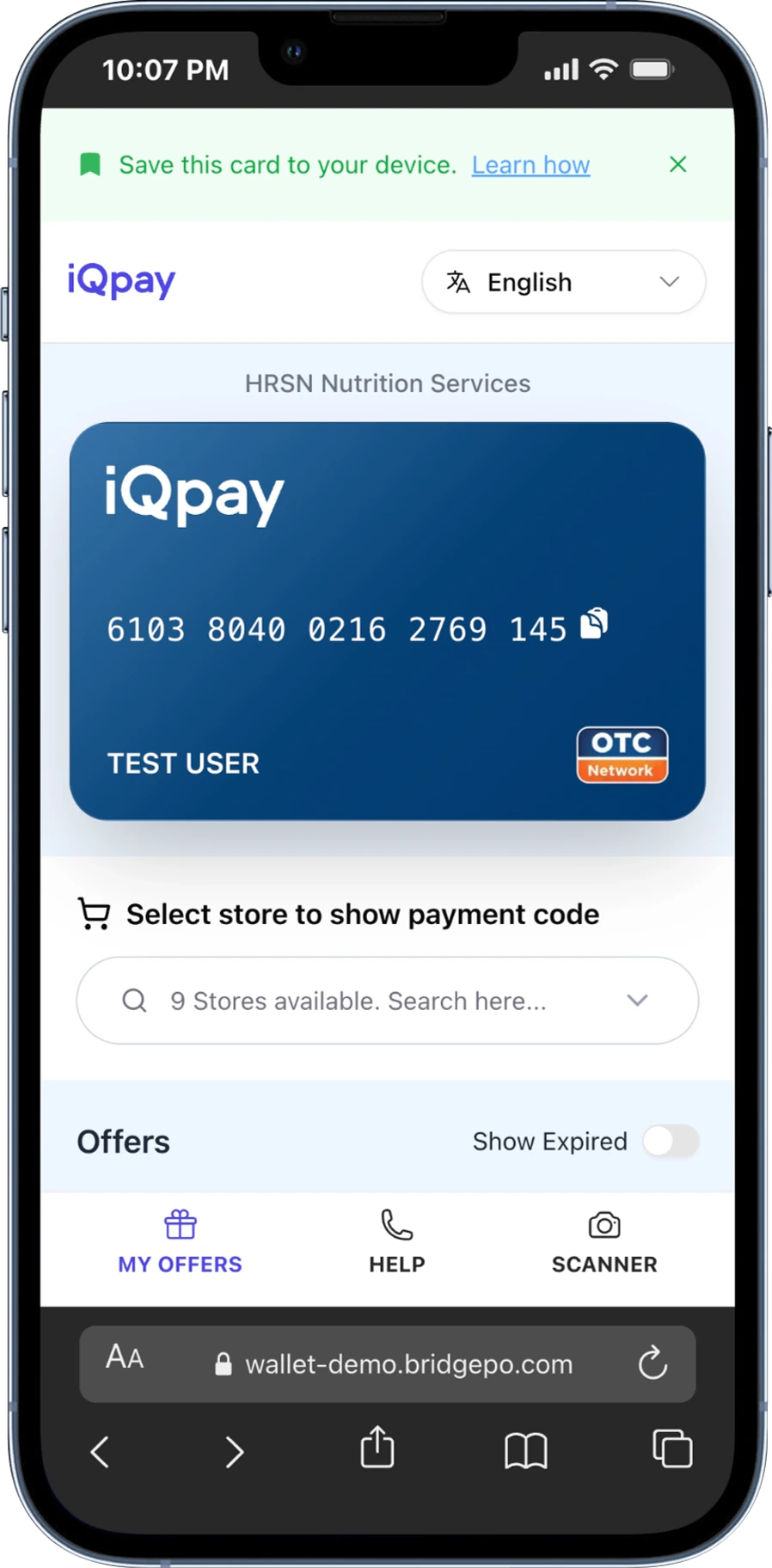
When someone sends you a restricted card, you will get a text message or email with a link. Tap the link and your wallet opens. There is no separate activation step and no code to type — the code is built into the link.
Open the link from your text or email. Your wallet loads right away.
Some programs work at more than one store. If yours does, you will see a **Shop at** menu. Pick the store where you plan to shop. That choice activates your card at that retailer.
You can only pick once. After you choose a store you cannot change it.
Your restricted card and eligible offers appear on screen.
 If you see "Sorry, we couldn't load your wallet," tap **Try Again**. If the problem continues, call **(888) 253-5667** for support.