1
Tap the link
Open the link from your text or email. Your wallet loads right away.
2
Pick a store (if prompted)
Some programs work at more than one store. If yours does, you will see a Shop at menu. Pick the store where you plan to shop. That choice activates your card at that retailer.
3
Your wallet is ready
Your restricted card and eligible offers appear on screen.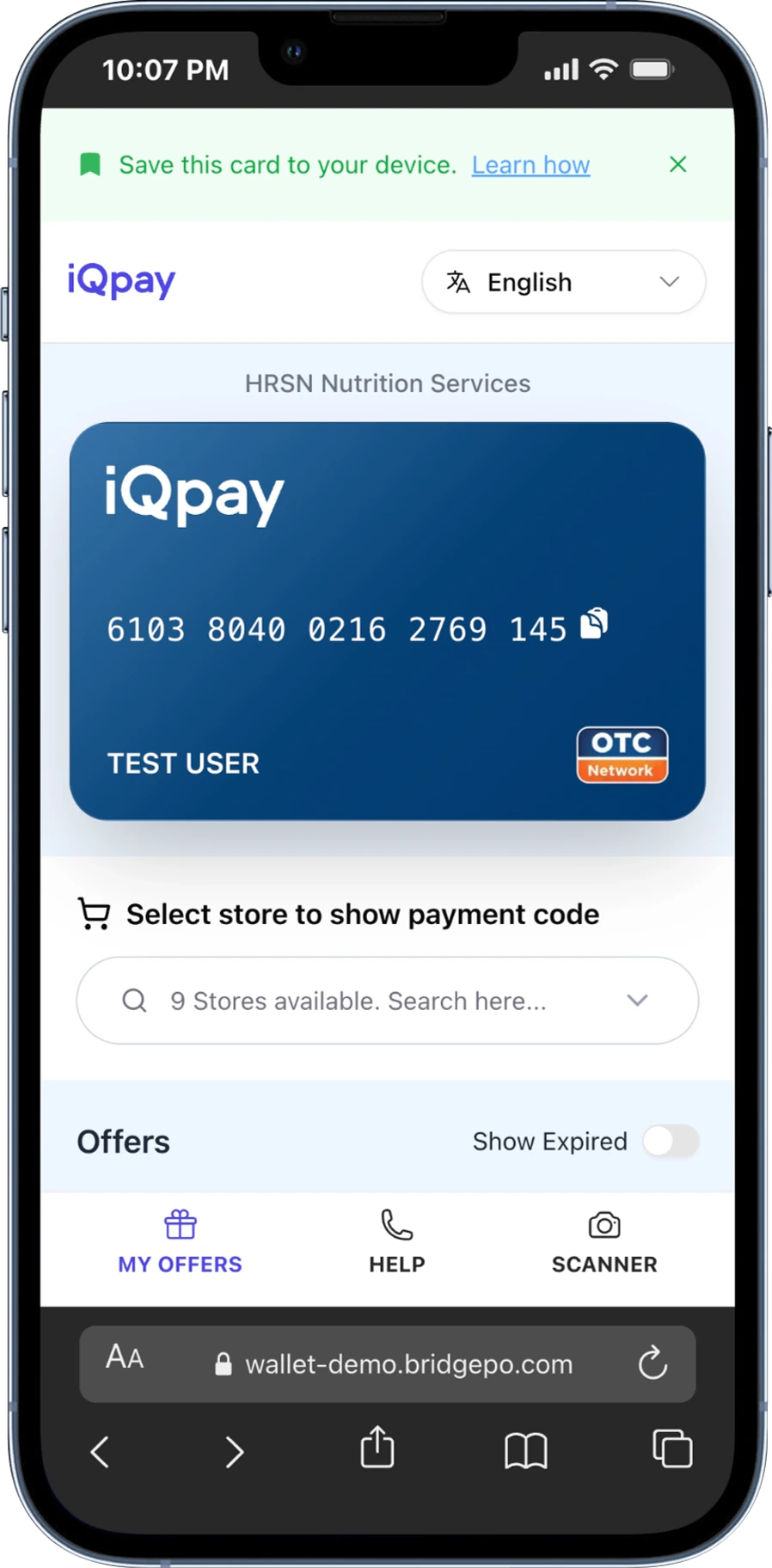
If you see “Sorry, we couldn’t load your wallet,” tap Try Again. If the problem continues, call (888) 253-5667 for support.