Language Settings
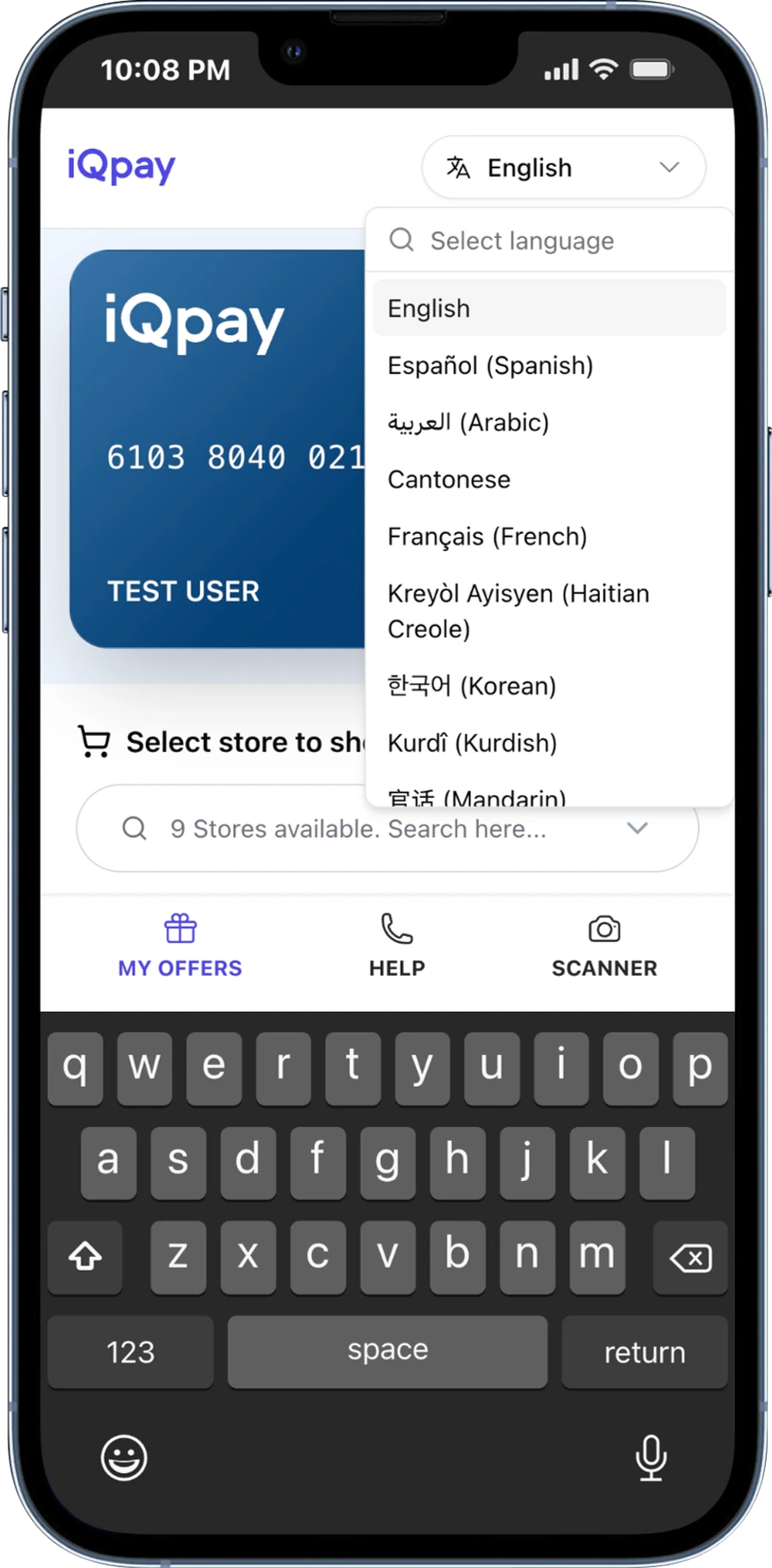
iQpay works in 16 languages. This includes languages that read right-to-left, like Arabic. The language selector is in the header bar at the top of the wallet — it is always visible. Tap it, pick a language, and everything on screen changes right away. Supported languages:- English
- Español (Spanish)
- العربية (Arabic)
- Cantonese
- Français (French)
- Kreyòl Ayisyen (Haitian Creole)
- 한국어 (Korean)
- Kurdî (Kurdish)
- 官话 (Mandarin)
- Português (Portuguese)
- Русский (Russian)
- Soomaali (Somali)
- Kiswahili (Swahili)
- Tagalog
- Українська (Ukrainian)
- Tiếng Việt (Vietnamese)
Adding to Your Home Screen
The iQpay Wallet works like an app on your phone. You can add it to your home screen for quick access. When you see a message asking to Add to Home Screen, tap it and follow the steps. You can also do this yourself from your phone’s browser menu.Guided Tour
A 7-step guided tour shows you the main features when you first activate your card. To replay the tour, open the Help section.Need Help?
Open the Help tab in your wallet. The phone number and email shown there are specific to your program — contact that number first for card or benefit questions.iQpay General Support
Call (888) 253-5667 for general iQpay support.